How do I log in/logout of my account?
On Mobile
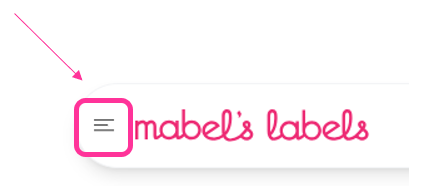
- To log in, click on the hamburger menu
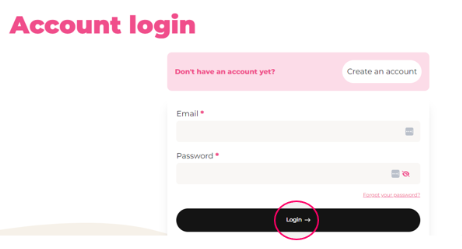
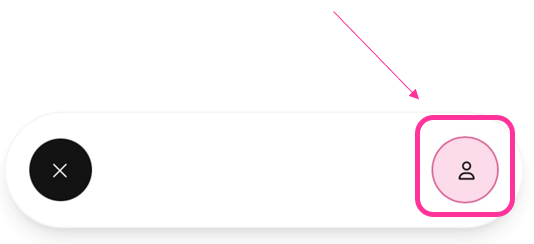
- Click on the "person" icon, enter your email/password, click Login, and start shopping!
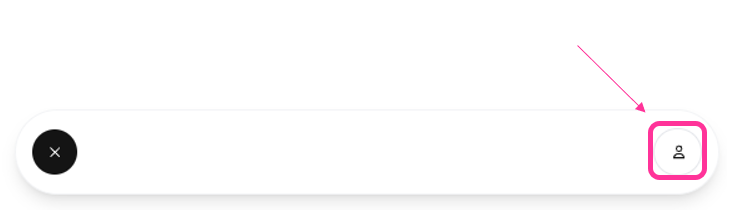
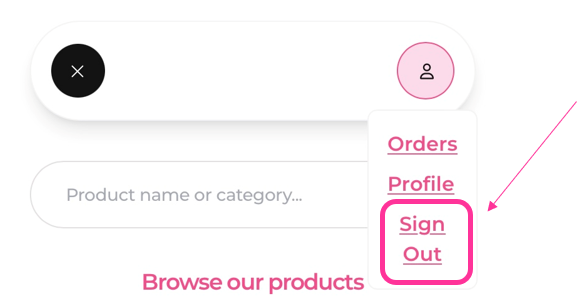
- To log out, click the "person" icon
- Click Sign Out
On Desktop
- Click the 'person' icon (top right), enter your email/password, click Login, and start shopping!
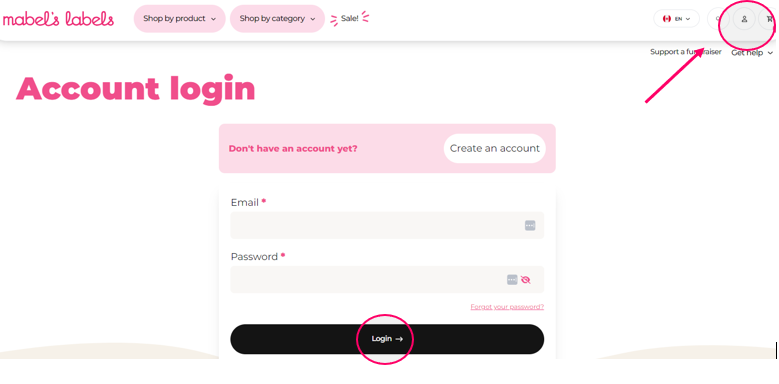
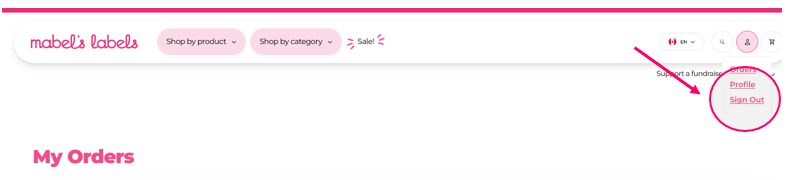
- To log out of your account, click on the 'person' icon (top right), and select 'Sign Out'.
Simple as that!